

Strict
Clears cookies, sessions and cache on close. Strict tracker blocking, anti-fingerprinting and HTTPS only.
Browser · version 0.7
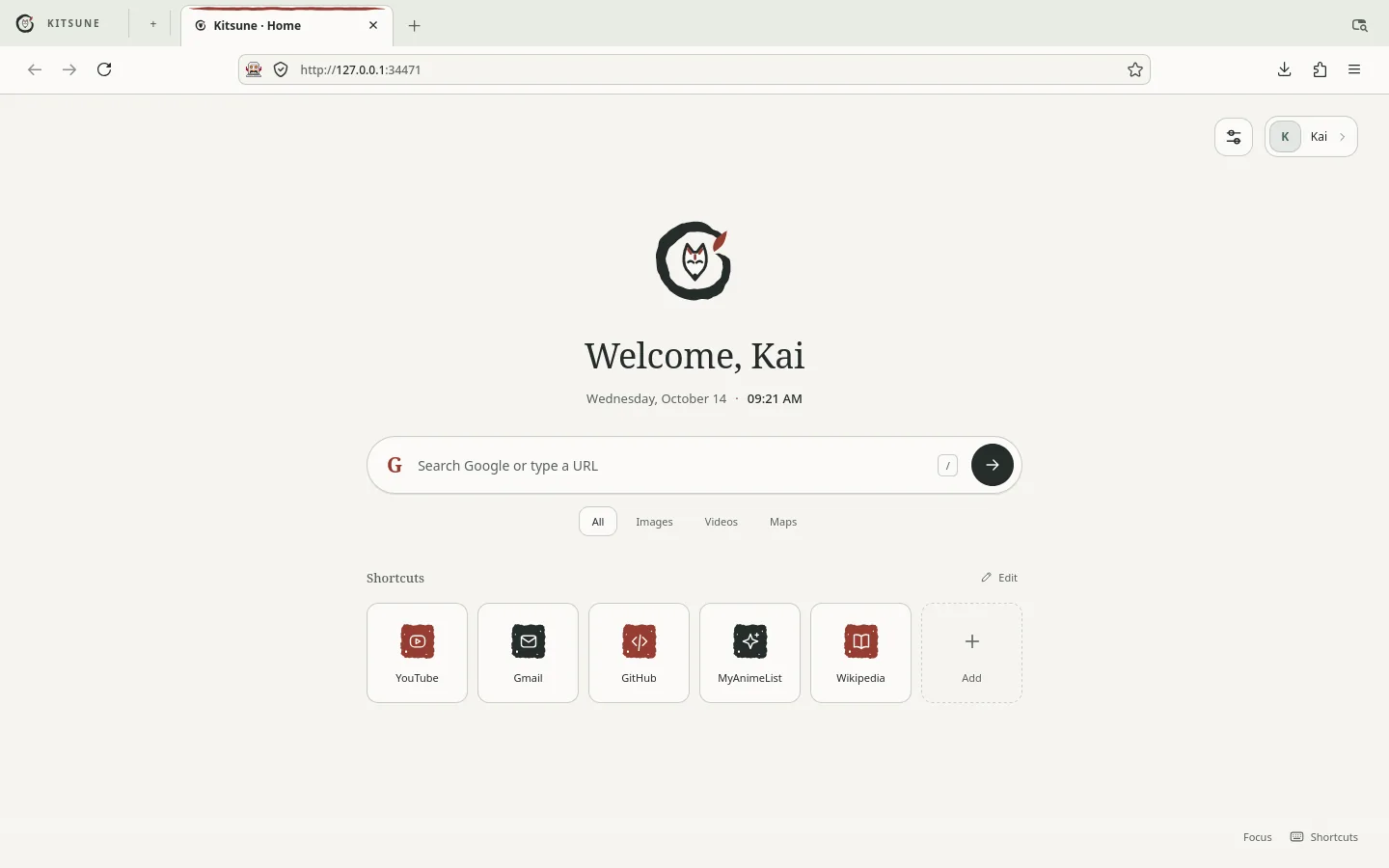
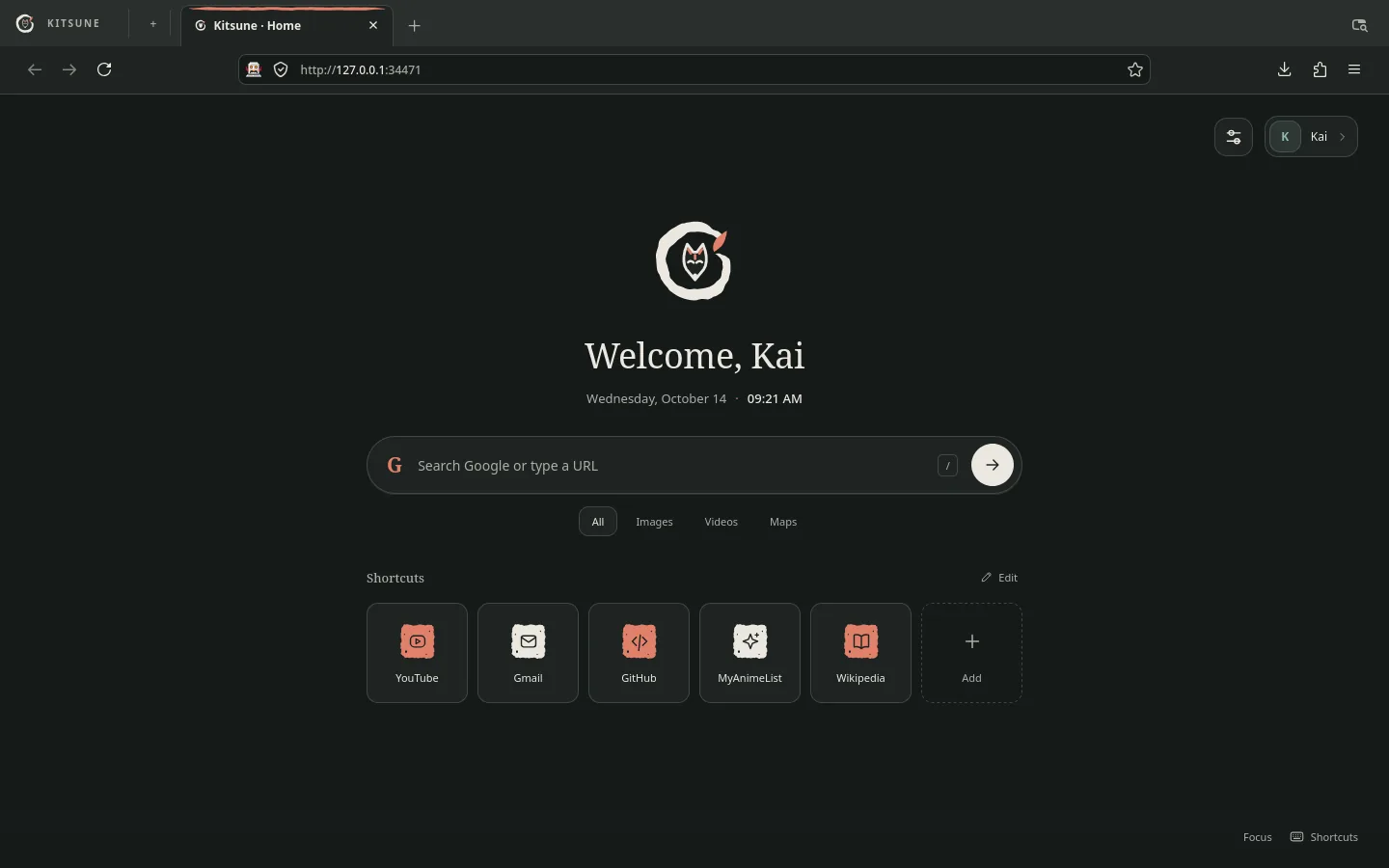
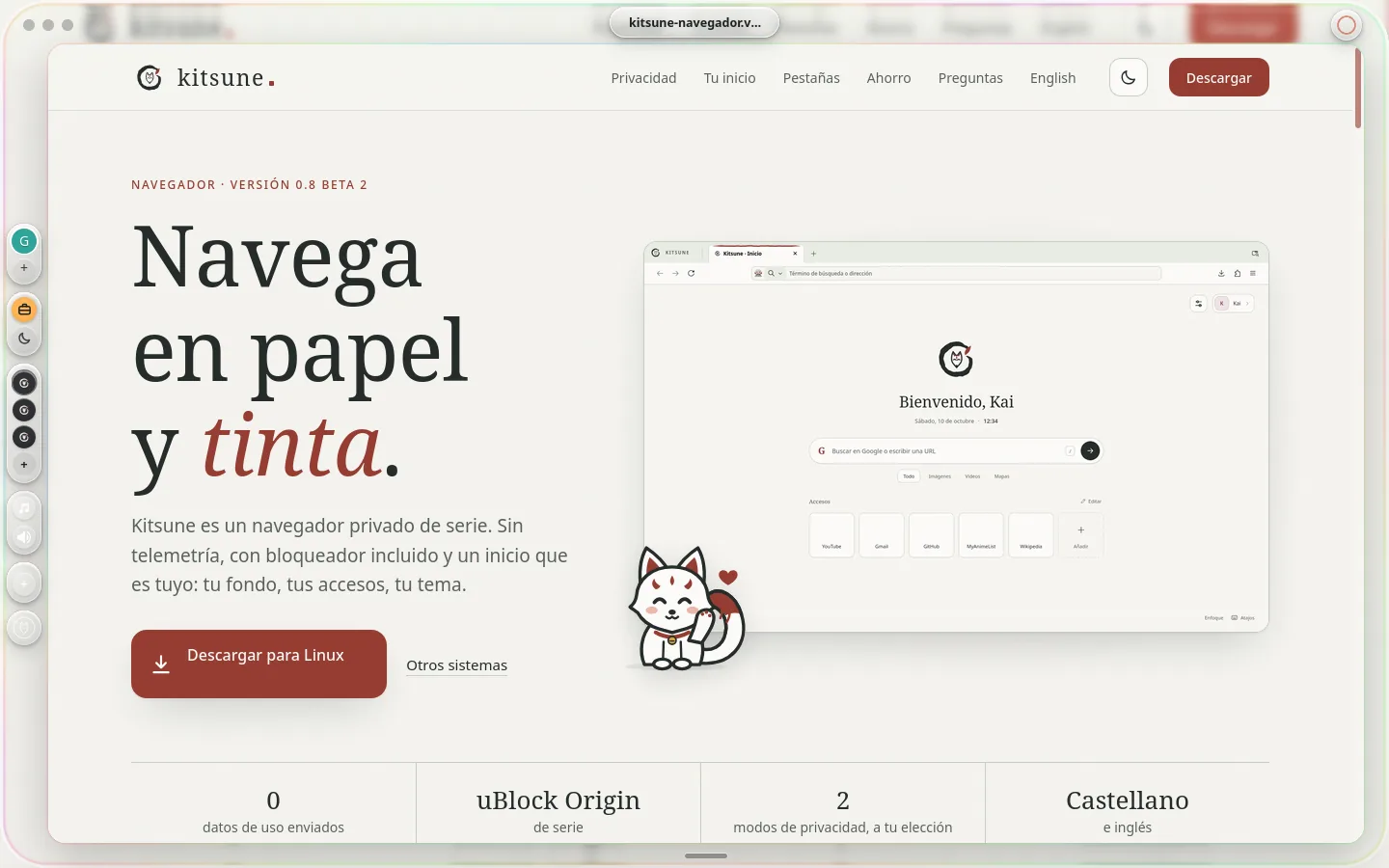
Kitsune is private by default. No telemetry, a blocker built in and a home page that is yours: your background, your shortcuts, your theme.
Windows and macOS are already in beta.

Privacy
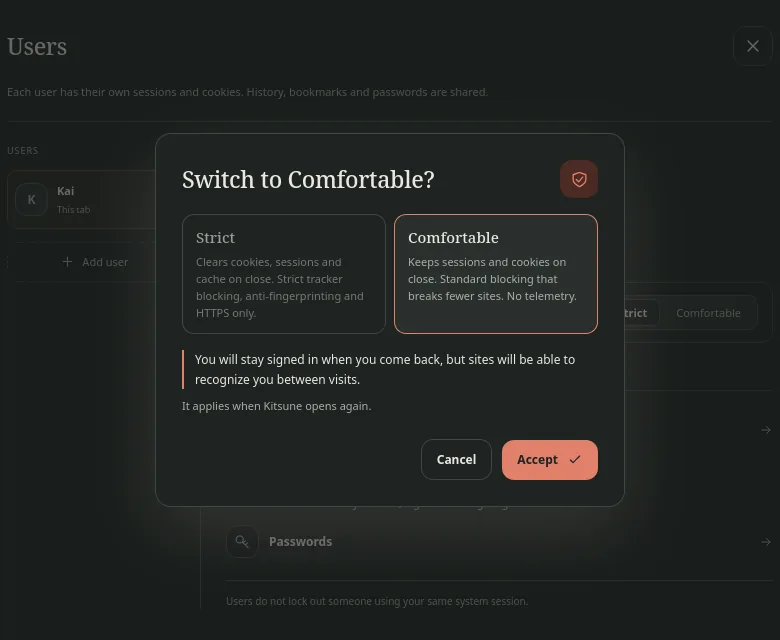
You change it from your main user's card and it applies to all of Kitsune. Before applying it, Kitsune tells you in two lines what it means.
Clears cookies, sessions and cache on close. Strict tracker blocking, anti-fingerprinting and HTTPS only.
Keeps sessions and cookies on close. Standard blocking that breaks fewer sites. No telemetry.
Your home
Lots of tabs
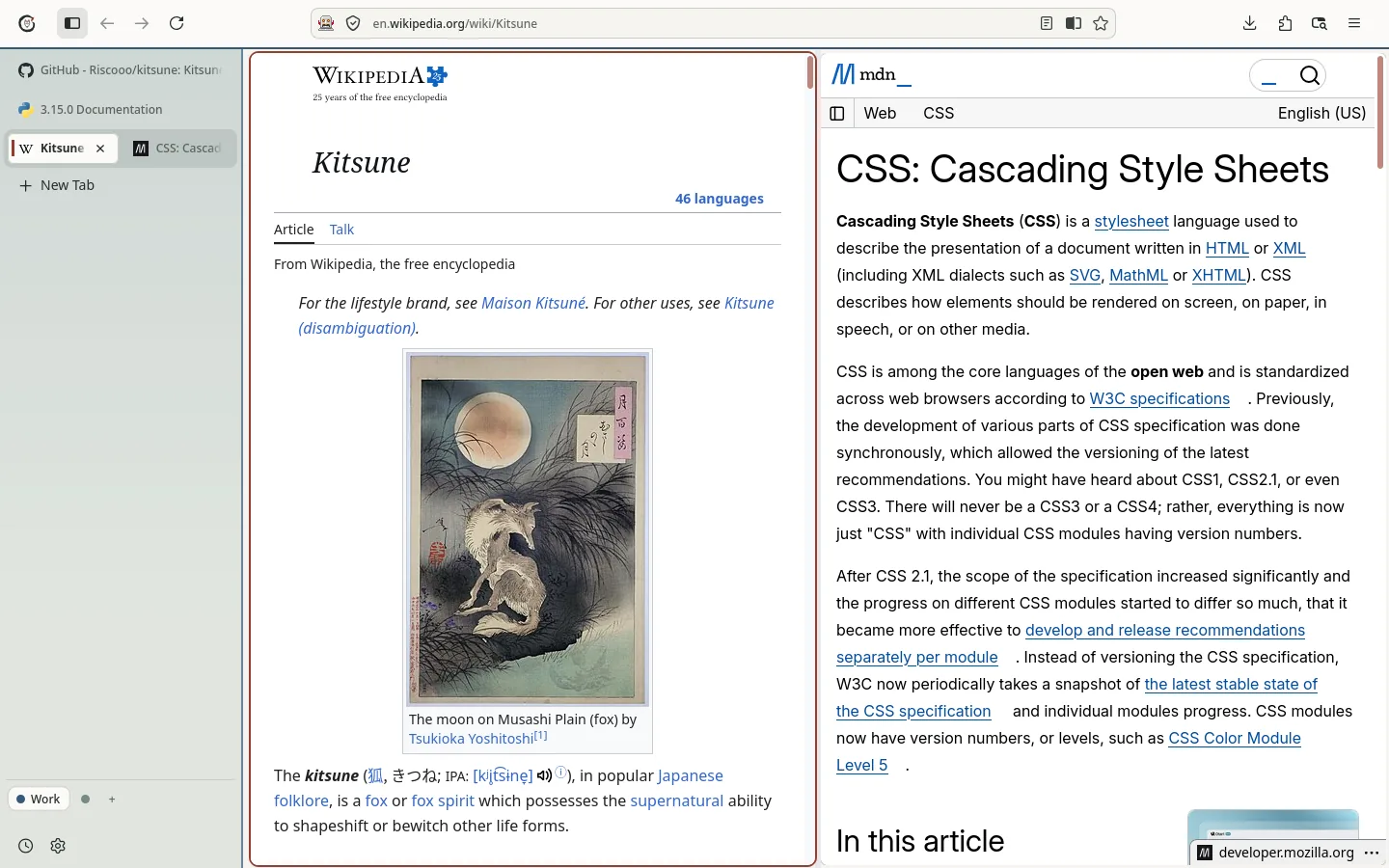
Work, school, fun: each space with its own tabs, its color and, if you like, its own user. Switch with a click or with Ctrl Alt 1…9.
On top, in a column on one side or just the icons. Pick it in Appearance, no restart.
Up to four sites at once: two with their divider, three in columns or four in a grid. Ctrl Alt D splits or adds another.
Alt and click a link: it opens on top, without a new tab. Esc closes it; if you want to keep it, turn it into a tab as it is, without reloading.
Ctrl K and type: tabs from every space, bookmarks, history and every action with its shortcut.
Just the site. The toolbars come back when the mouse reaches the edge. Ctrl Alt C turns it on and off.
Inks
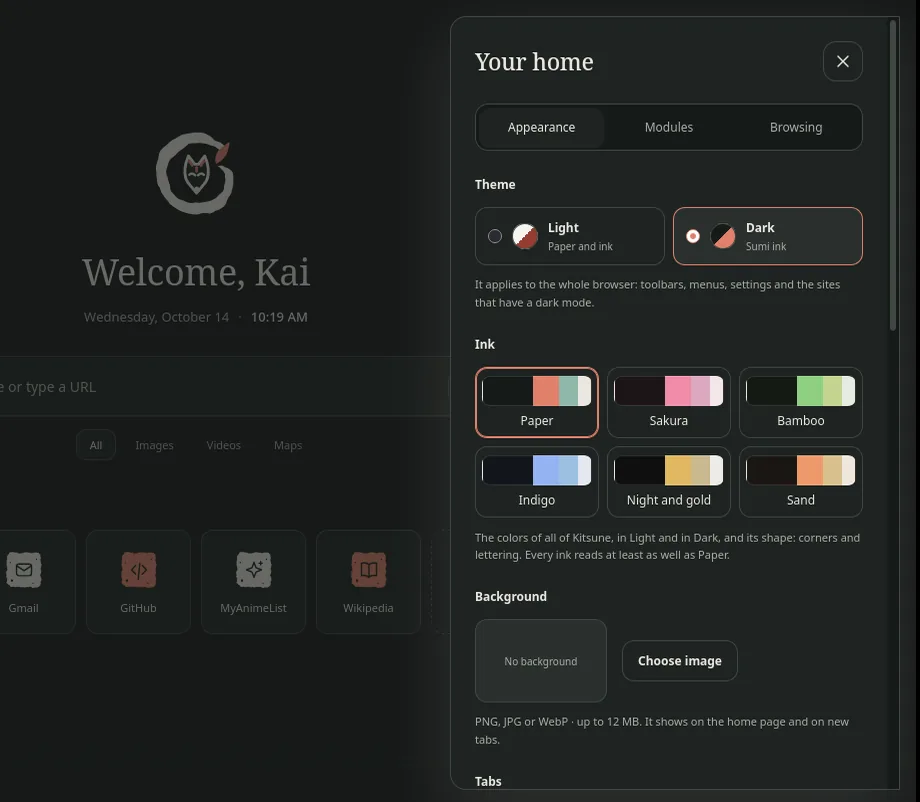
An ink sets the colors of all of Kitsune, in Light and in Dark, and its shape: square, soft or round corners, and sans or serif lettering. Change it with one click in Appearance. Every ink reads at least as well as Paper: we check it before accepting it.
Saver mode
One button in the home settings and Kitsune uses less memory and less battery. No restart, and it turns off just as fast.
The memory each browser uses with the same 20 sites (news, video, social, shops, documentation), adding up all of its processes. Without saver mode, Kitsune uses as much as Firefox; with it, half as much, and less than Chrome.
Measured on October 14, 2026 on Linux, headless, with tools/ram_benchmark.py, which is in the repository so you can repeat it. Kitsune with saver mode and the limit at 1 GB.
uBlock Origin comes installed. No ads or trackers from the very first minute, and your home page tells you how many it stopped this week.
Kitsune sends no usage data, reports or studies. The settings that would are locked.
Like Google accounts: each user with their own sessions and cookies, in the same window.
We build the Gecko engine with our own recipe: Kitsune's name, settings and services.
The whole browser in Spanish, and in English if you prefer.
Bookmarks, history and tabs from Zen, Firefox or Chrome. From Zen, its spaces too. And extensions from the store, just like always.
When music or a video plays in another tab, its title, its cover and the pause button, at the bottom of the sidebar. One click and you are there.
Your bookmarks, your spaces and, if you like, your history and passwords, in a file encrypted with your password. No server.
Change Kitsune's shortcuts and the browser's most used ones. If a combination already belongs to something else, it tells you.
A separate browser · new
The same engine as Kitsune, without bars: the web on a card and everything else in pieces of glass that come out when you need them. It installs separately, with its own icon, and the first time it brings your Kitsune profile.

Free. Pick your system.
Windows 10 and 11 · 64-bit
Coming soonMac with Apple Silicon (M1 or later)
Coming soon64-bit · .tar.xz package
Coming soonThe same engine, apart from Kitsune. You can have both.
Windows 10 and 11 · 64-bit
Coming soonMac with Apple Silicon (M1 or later)
Coming soon64-bit · .tar.xz package
Coming soonWe will post here as soon as they are ready.
Another way to use Kitsune, without bars: the web on a card over a sheet of glass and everything else in pieces that come out when you need them. It is a separate browser, with its own icon and installation, and you can have Kitsune and Kitsune Zero at the same time. The first time you open it, it brings a copy of your Kitsune profile (sign-ins, tabs and passwords); if Kitsune is open, it asks you to close it. On macOS, if it says the app is damaged: xattr -dr com.apple.quarantine "/Applications/Kitsune Zero.app". On Linux: tar -xf Kitsune-Zero-*-Linux-x86_64.tar.xz and ./kitsune-zero/instalar.sh.
Nothing. Kitsune is free and has no ads.
On Gecko, the open-source engine Firefox uses too. We build it ourselves, with our name, our privacy settings and without Mozilla's services (accounts, telemetry, studies). Gecko's code is distributed under the MPL 2.0 license.
Kitsune sends no usage data, crash reports or studies. It does connect to keep your extensions and uBlock Origin's lists up to date.
Yes. The first time you open Kitsune it offers to bring them over, and later whenever you like from the palette (Ctrl K, «Bring from another browser»). From Zen, Firefox, LibreWolf, Floorp or Waterfox it brings bookmarks, history and open tabs (from Zen, its spaces too); from Chrome, Edge or Brave, with the import wizard. Passwords from Zen or Firefox move over with their CSV export.
The installer is not digitally signed yet (it costs money and will come later), so Windows SmartScreen says it does not recognize the app. If you downloaded it from this site, click «More info» and then «Run anyway». Kitsune's code is public on GitHub.
It is not signed with an Apple certificate yet. The first time, go to System Settings → Privacy & Security and click «Open Anyway». If macOS says it is damaged, open Terminal and type xattr -dr com.apple.quarantine /Applications/Kitsune.app.
Extract the archive (tar -xf Kitsune-*-Linux-x86_64.tar.xz) and run ./kitsune/instalar.sh. It installs for your user, without sudo, in ~/.local/share/kitsune, and shows up in your applications menu. To update, do the same with the new version; to remove it, ~/.local/share/kitsune/desinstalar.sh.
Yes, like in Google: click your avatar on the home page and pick another user. That tab becomes theirs and the rest stay as they were. Each user has their own sessions and cookies; history, bookmarks and passwords are shared.
Because it clears cookies when Kitsune closes: that way no site recognizes you between visits. If you would rather stay signed in, switch Kitsune to Comfortable (on your main user's card).